
watchOS Development
Native Apple Watch apps in SwiftUI, standalone or companion.
watchOS and Wear OS app development for Apple Watch and Android-based smartwatches, built around constraints that don't exist on phones: a screen under two inches, short glance-based sessions, and a battery budget that punishes background work. Covers complications, health sensor integration through HealthKit and Health Connect, and the choice between a standalone watch app and a companion app that depends on a paired phone.
The sensor, battery, and screen constraints unique to watchOS and Wear OS.
Native Apple Watch apps in SwiftUI, standalone or companion.
Native Android smartwatch apps in Jetpack Compose for Wear OS.
Health and fitness sensor data integration with correct permission handling.
Watch-face complications and Wear OS Tiles for glanceable data.
Background work scheduled to minimize radio and CPU wake time.
WatchConnectivity and Wear OS Data Layer API integration with a companion phone app.
Workout session APIs for real-time heart rate and activity metrics.
App Store and Play Store submission for standalone and companion watch apps.
Phone-app assumptions about screen space and battery don't carry over to a watch.

We scope this explicitly upfront: a standalone watch app with its own network access and App Store listing is a materially different (and larger) build than a companion display for a phone app, and the wrong default adds either unnecessary cost or a watch app that can't do what users expect.
Wearable interfaces and background execution are designed for the platform's real constraints from the start, not a phone UI shrunk down with a phone-scale battery assumption applied to a device with a fraction of the capacity.
HealthKit and Health Connect both enforce specific user-consent and data-scope models. We build to those models directly so the app doesn't get rejected at review or blocked from the sensor data it needs.
You receive the complete watchOS and/or Wear OS codebase in your own repository, with no dependency on a proprietary wrapper framework for future updates.
Phone-app assumptions about screen space and battery don't carry over to a watch.
We scope this explicitly upfront: a standalone watch app with its own network access and App Store listing is a materially different (and larger) build than a companion display for a phone app, and the wrong default adds either unnecessary cost or a watch app that can't do what users expect.
Wearable interfaces and background execution are designed for the platform's real constraints from the start, not a phone UI shrunk down with a phone-scale battery assumption applied to a device with a fraction of the capacity.
HealthKit and Health Connect both enforce specific user-consent and data-scope models. We build to those models directly so the app doesn't get rejected at review or blocked from the sensor data it needs.
You receive the complete watchOS and/or Wear OS codebase in your own repository, with no dependency on a proprietary wrapper framework for future updates.
We've helped startups and enterprises worldwide transform their AI ideas into production-ready MVPs in 2–3 weeks. From fintech platforms to AI assistants, our global MVP development services have launched 18+ AI products serving users across the US, Europe, and Asia.




From content platforms and AI assistants to analytics dashboards and fintech solutions: see how we've transformed ideas into production-ready MVPs in 2-3 weeks across diverse industries. Each product here is one our team worked on.
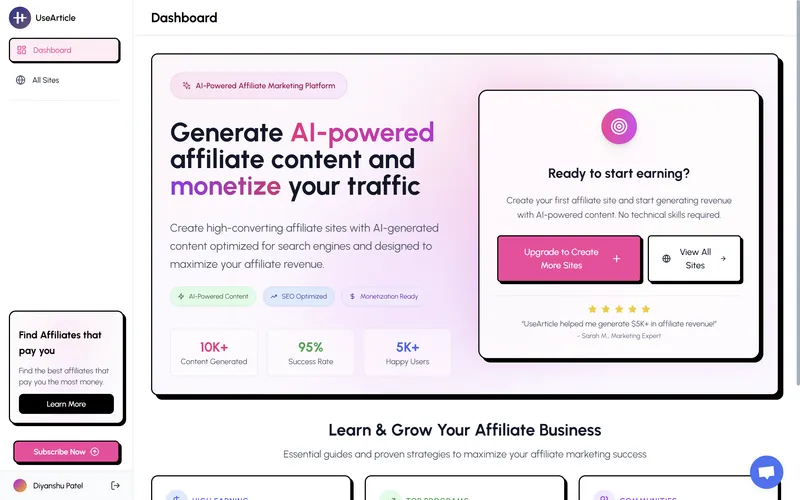
AI-powered content creation and management platform that helps teams produce high-quality articles at scale.
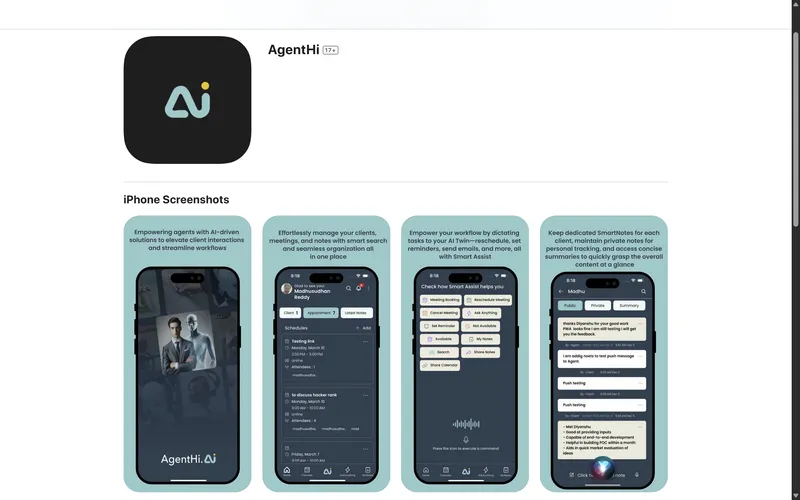
Intelligent virtual assistant that streamlines customer support and automates routine business tasks.
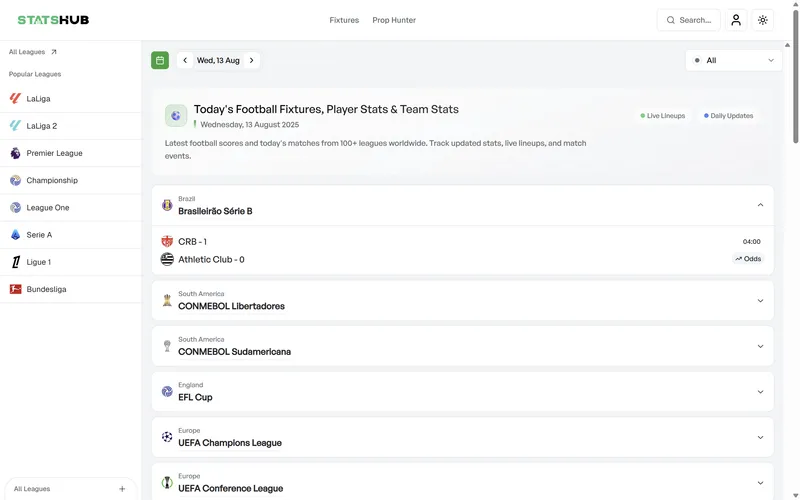
Comprehensive analytics dashboard providing real-time insights and data visualization for businesses.
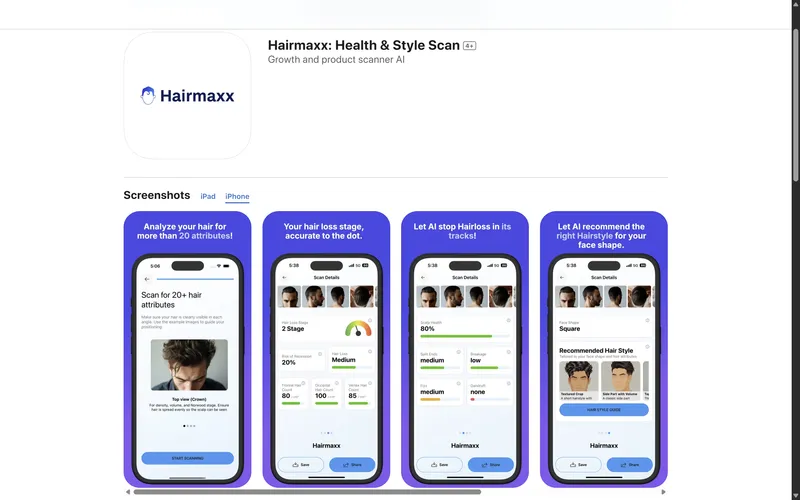
Personal fitness companion with AI-driven workout plans and nutrition tracking for optimal health.
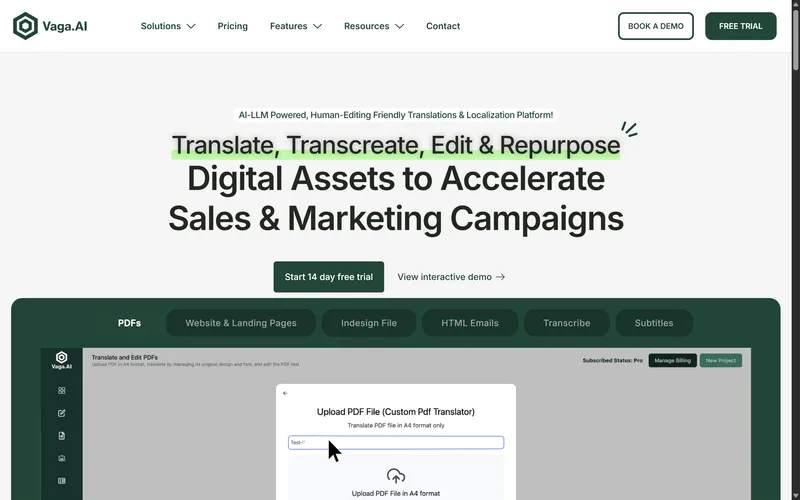
Smart travel planning app that curates personalized itineraries and local experiences.
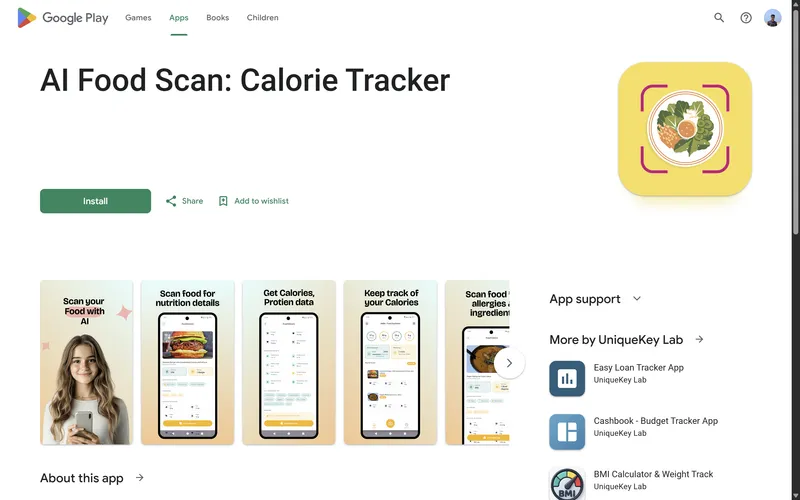
Nutrition analysis app that scans food items and provides detailed nutritional information instantly.
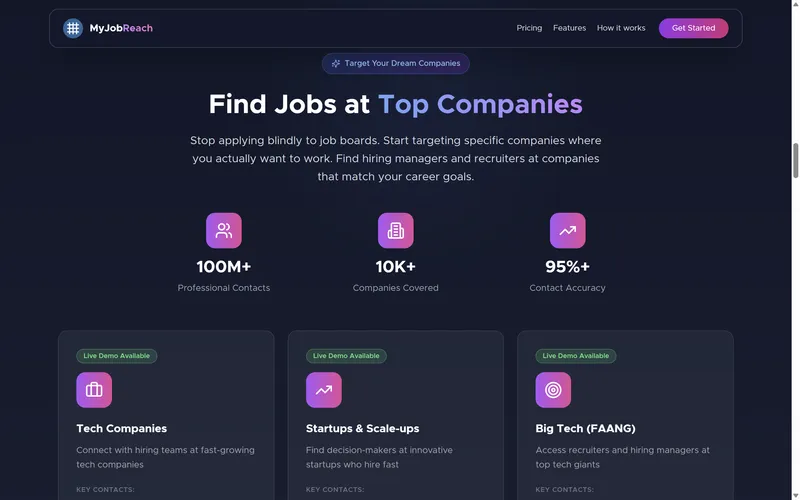
Job matching platform connecting talented professionals with their dream opportunities.
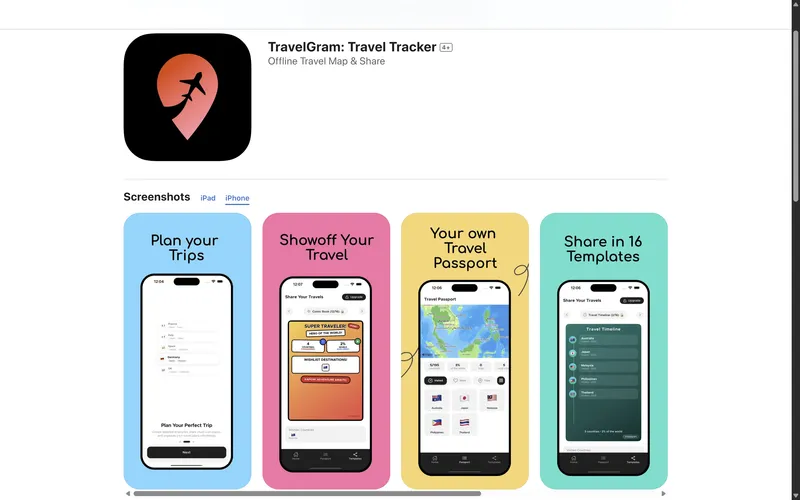
Social platform for travelers to share experiences, discover destinations, and connect globally.
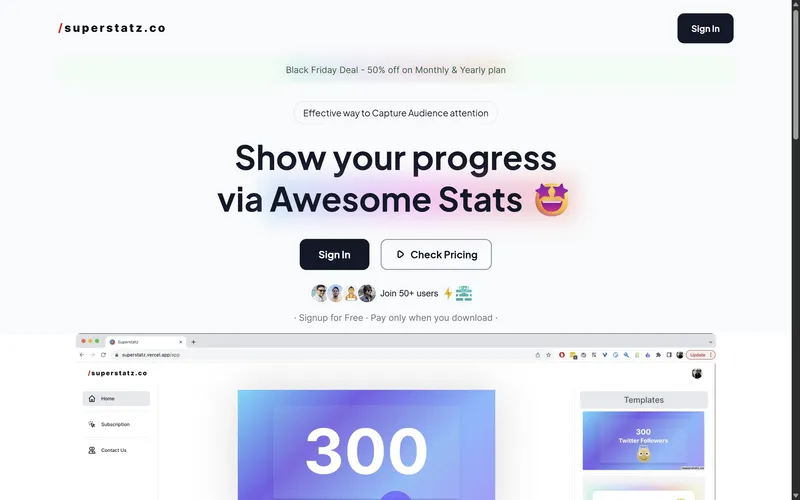
Advanced sports statistics platform delivering in-depth analysis and performance metrics.
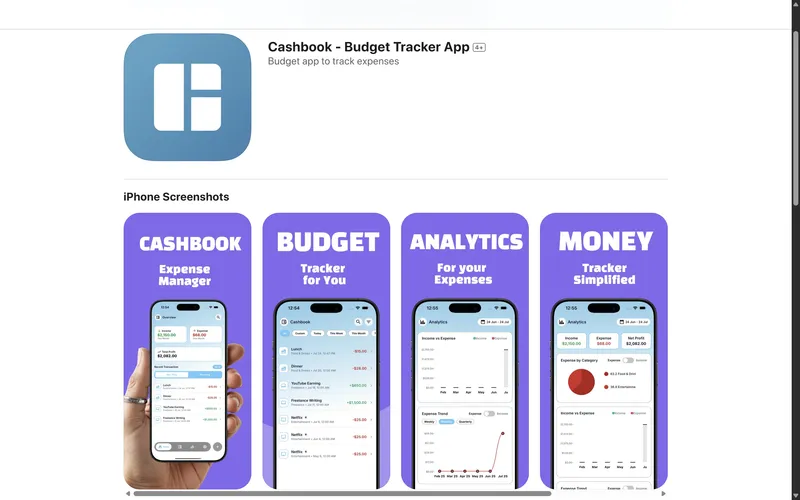
Simple expense tracking and budgeting app that helps users manage their finances effortlessly.
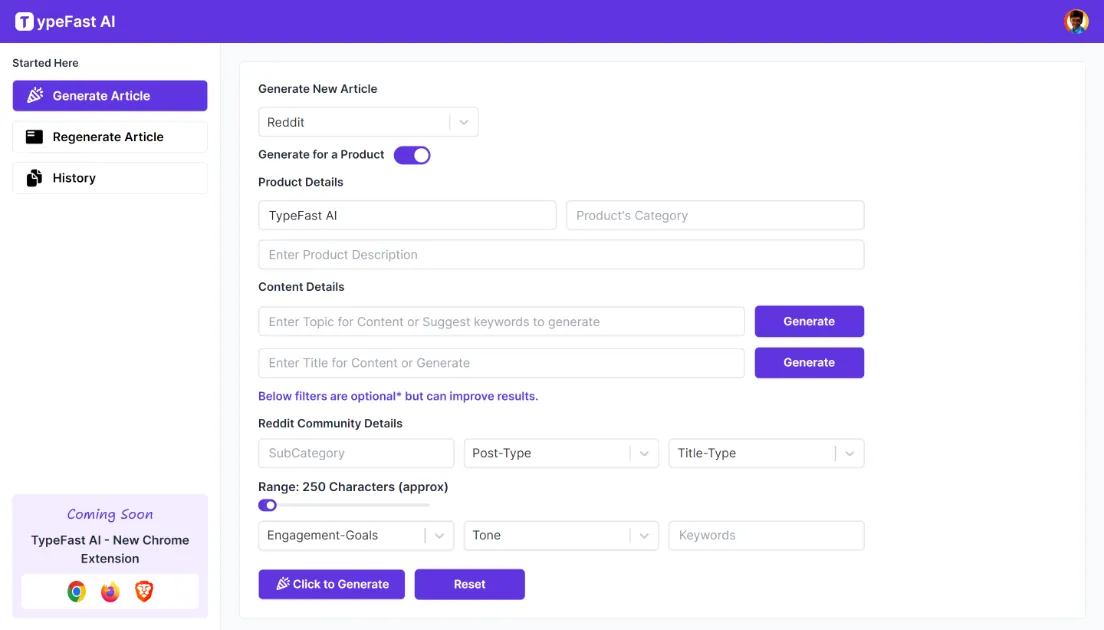
Typing speed improvement platform with gamified lessons and real-time performance tracking.
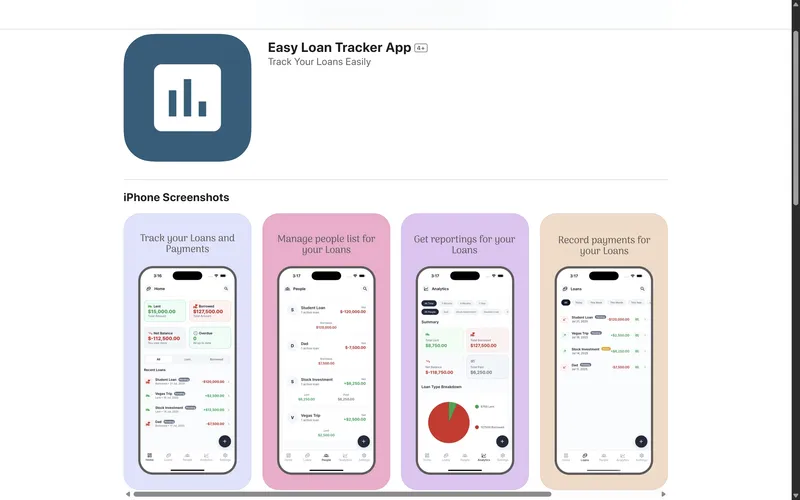
Streamlined loan management system that simplifies borrowing and lending processes.
Discover more services, technologies, case studies, and resources
Full native Android application development in Kotlin, built directly on the Android SDK rather than a cross-platform abstraction layer. Jetpack Compose, Google's current declarative UI toolkit and the default for new Android projects, is used for all new screens; this page now covers what was previously a separate, narrower Jetpack Compose UI listing, since Compose is our standard approach on every native Android build, not an add-on.
Native mobile UI/UX design for iOS and Android, distinct from responsive web design: interfaces built around each platform's own navigation model, gesture vocabulary, and component library rather than a browser layout resized for a phone. Covers Apple's Human Interface Guidelines and Google's Material Design 3, native gesture and haptic patterns, and the screenshot, icon, and store asset design each app store requires at submission.
SpeedMVPs delivers Wireframes in 2-3 weeks. Production-ready implementation by a specialist AI engineering team.
SpeedMVPs delivers Agency Backend MVP Partner in 2-3 weeks. Production-ready implementation by a specialist AI engineering team.
Schedule a complimentary strategy session. Transform your concept into a market-ready MVP within 2-3 weeks. Partner with us to accelerate your product launch and scale your startup globally.
The call is 30 minutes with Diyanshu Patel, our CEO and co-founder. Afterwards you get a written proposal with timeline, pricing and development plan.
Calendar not loading? Open the booking page or email diyanshu@speedmvps.com.